
How to Update Painel Xit FF on Android
Updating Painel Xit FF means replacing the build currently installed on your phone with a newer release, so the panel keeps working well with your Android version and with the latest state of the game. A good update refreshes the interface, adjusts how settings are applied, and clears out problems that older builds sometimes carried.
Many players skip updates for months and then wonder why the panel feels different from what other users describe. Before you begin, open the main Painel Xit FF for Android page so you are working from the current release information rather than an old screenshot or a friend's outdated file.
The process itself is simple, but the order matters. Checking your current version, protecting your saved settings, and testing properly afterwards are what separate a clean update from a confusing one. This guide walks through each stage in the order that causes the fewest problems.
Check Your Current Version First
Start by opening the app and noting which version you are running today. This small step gives you a reference point: if anything feels different after the update, you will know exactly what changed and when it changed, instead of guessing whether a problem is new or old.
While you are there, look through your current sensitivity, DPI, and layout values and write them down or save them somewhere safe. If the update ever resets a value, your notes let you restore your familiar setup in minutes instead of rebuilding it from memory over several days.
Protect Your Settings Before You Update
An update should never cost you a setup you spent weeks refining. Most problems players blame on a new version are really lost settings: the values changed, the feel changed with them, and the player assumed the update itself was broken when the real issue was a reset profile.
If you have never saved your configuration anywhere, this is the moment to learn how. The Painel Xit FF backup and restore settings guide explains simple ways to record and restore your values, and following it before an update turns the whole process into a low-risk routine instead of a gamble.
Install the Update Cleanly
When you are ready, get the new build from the download page and install it over your existing copy unless the release notes suggest a fresh install. Installing over the top usually preserves your data, while a fresh install gives the cleanest result when an older build has been misbehaving.
The installation flow is the same one covered in the guide on how to install Painel Xit FF on Android, so the permission prompts and first-launch screens should feel familiar. Take your time at each prompt instead of tapping through quickly, because a skipped permission can look like an update bug later.
Test Your Setup After Updating
Do not judge the update in the first match you play. Open a practice environment, run through your usual movements, and check that aiming, turning, and button response all feel like they did before. Small differences are normal while you settle in, but big differences usually point to a changed value.
Test one area at a time. Confirm your sensitivity feels right, then your layout, then your touch response. Working in that order tells you exactly which part of the setup needs attention, instead of leaving you with a general feeling that something is off without any clear cause.
When an Update Seems to Cause Problems
If the panel opens slowly, a setting stops applying, or the response feels uneven after updating, stay calm and check the basics first. Restart the phone, confirm the app still holds the permissions it needs, and compare your current values against the notes you made before updating.
Most post-update complaints trace back to a reset value, a revoked permission, or an old cached build still running underneath the new one. Fixing those three things resolves the large majority of cases, and only after checking them does it make sense to consider reinstalling.
How Often Should You Update
You do not need to chase every minor release the moment it appears, but staying several versions behind invites compatibility problems as Android and the game move forward. A sensible rhythm is to update when a release mentions fixes, device support, or changes matching a problem you actually have, and to fold routine updates into a calm moment rather than the minutes before you plan to play seriously with friends.
Timing matters because an update deserves a short testing session afterwards. Updating right before an important match leaves no room to notice a reset value or a permission prompt waiting for attention. Update when you have fifteen unhurried minutes to install, open the app, grant anything it requests again, and run through your usual movements in a practice space to confirm everything feels familiar.
Final Thoughts
Updating Painel Xit FF is a routine worth doing properly: note your version, protect your settings, install cleanly, and test in a calm environment before you play seriously. Handled that way, each new release becomes a small improvement to your setup rather than a disruption you have to recover from.
Keep one more habit and updates become almost boring, in the best way: after each successful update, refresh the written record of your settings with the new version number noted beside it. Six months later, that small log tells you exactly which build your trusted values belong to, and if a future release ever behaves oddly, you can describe precisely what changed and when, instead of relying on a vague memory that something updated at some point.
Related Articles
Painel Xit FF Sensitivity Controls Explained
Understand the Painel Xit FF sensitivity controls, what each slider changes, and how to adjust them step by step for steadier aim on your own phone today.
Painel Xit FF DPI and Touch Response Guide
Learn how DPI and touch response settings in Painel Xit FF affect movement and aim, and how to test changes safely without making your phone unstable.
Painel Xit FF Headshot Settings Tips
Practical headshot settings tips for Painel Xit FF users, covering drag control, sensitivity balance, and practice habits that make aim more consistent.
Painel Xit FF Layout and Control Comfort Settings
Set up a comfortable control layout with Painel Xit FF, from button placement and size to grip-friendly spacing that reduces mistakes during long sessions.

Painel Xit FF Permissions and Safety Settings
A clear guide to Painel Xit FF permissions on Android, what each permission supports, and the safety settings every player should check before and after setup.

Painel Xit FF Performance Tips for Low-End Phones
Improve how Painel Xit FF feels on a low-end Android phone with practical performance tips covering background apps, heat, storage, and sensible settings.
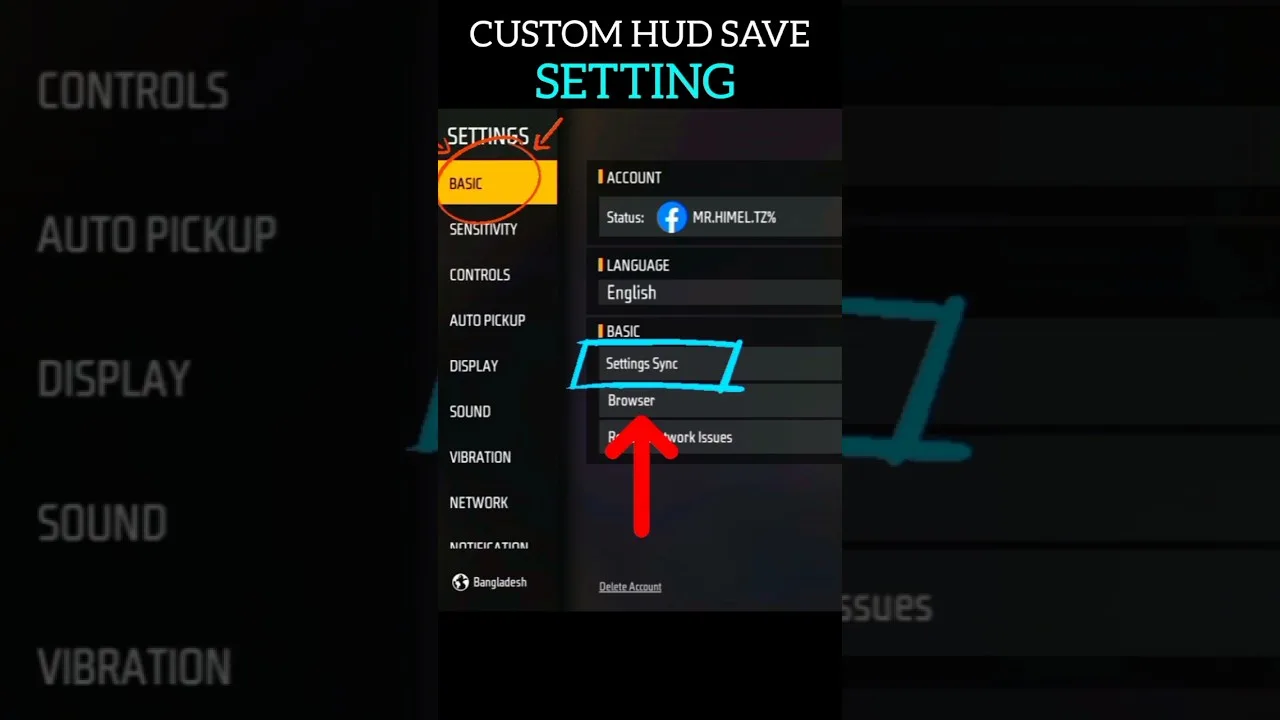
Painel Xit FF Backup and Restore Settings Guide
How to back up and restore your Painel Xit FF settings, record values safely, and recover a familiar setup after updates, resets, or a change of phone.
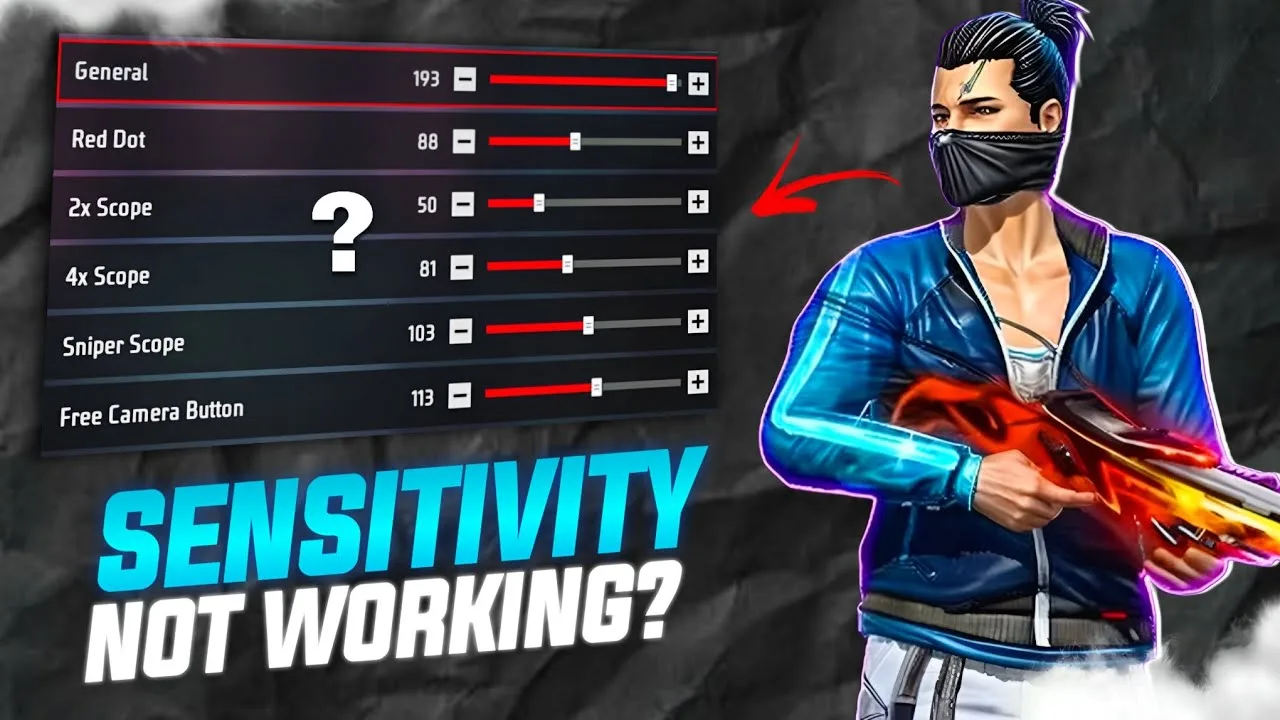
Painel Xit FF Common Setup Mistakes to Avoid
Avoid the most common Painel Xit FF setup mistakes, from copying values blindly and changing everything at once to skipping practice testing entirely.

Painel Xit FF Panel vs Manual Settings: Which Works Better
Compare panel-based setup with Painel Xit FF against fully manual in-game settings, and learn which approach suits your device, habits, and play style.
Testing Painel Xit FF Changes in Training Mode
How to test Painel Xit FF setting changes in training mode with simple drills, honest measurement, and a routine that separates real improvement from luck.
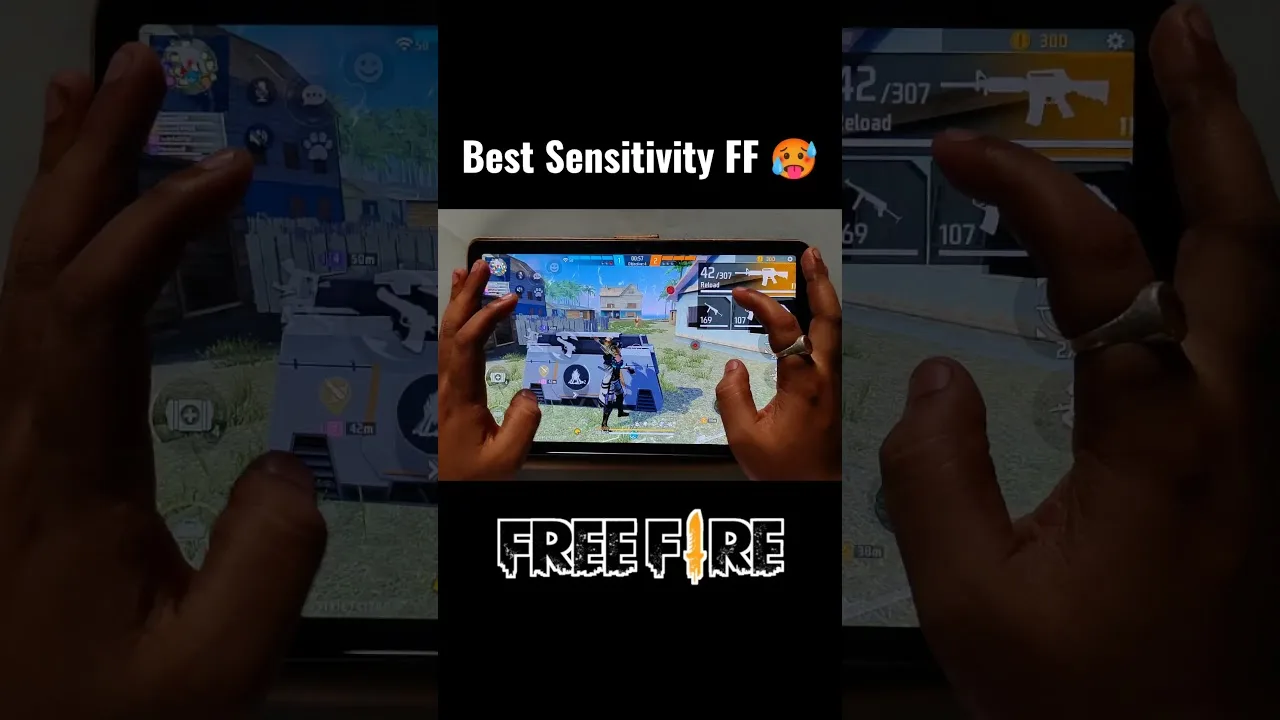
Painel Xit FF Settings for Different Screen Sizes
Adjust Painel Xit FF settings for small phones, large phones, and tablets, with guidance on swipe distance, layout spacing, and DPI for each screen size.
Fixing Inconsistent Response in Painel Xit FF After Changes
Diagnose inconsistent touch response after changing Painel Xit FF settings, with a step-by-step method to find whether the cause is values, device, or input.
Painel Xit FF Frequently Asked Questions
Answers to frequently asked questions about Painel Xit FF, covering setup, sensitivity, updates, device differences, and what to do when settings feel wrong.

How to Install Painel Xit FF on Android
Learn how to install Painel Xit FF on Android with clear steps, permission tips, and simple setup guidance for a smoother first launch.

Painel Xit FF Features Guide for Android
Explore the main Painel Xit FF features, including sensitivity tools, DPI-related setup, and practical control adjustment options on Android.

Painel Xit FF Device Compatibility Guide
Check how Painel Xit FF fits Android phones, tablets, and other devices, with practical guidance on setup expectations and performance differences.

Painel Xit FF Main Sections and Setup Categories
Understand the main sections of Painel Xit FF, including sensitivity, DPI, control tuning, and device-focused setup categories on Android.

Painel Xit FF Not Working Common Problems and Fixes
Find common Painel Xit FF problems and practical fixes for installation errors, permission issues, device mismatch, and unstable setup behavior.

Best Ways to Use Painel Xit FF on Android
Learn practical ways to use Painel Xit FF on Android, test settings more carefully, and build a smoother control setup for your own device.