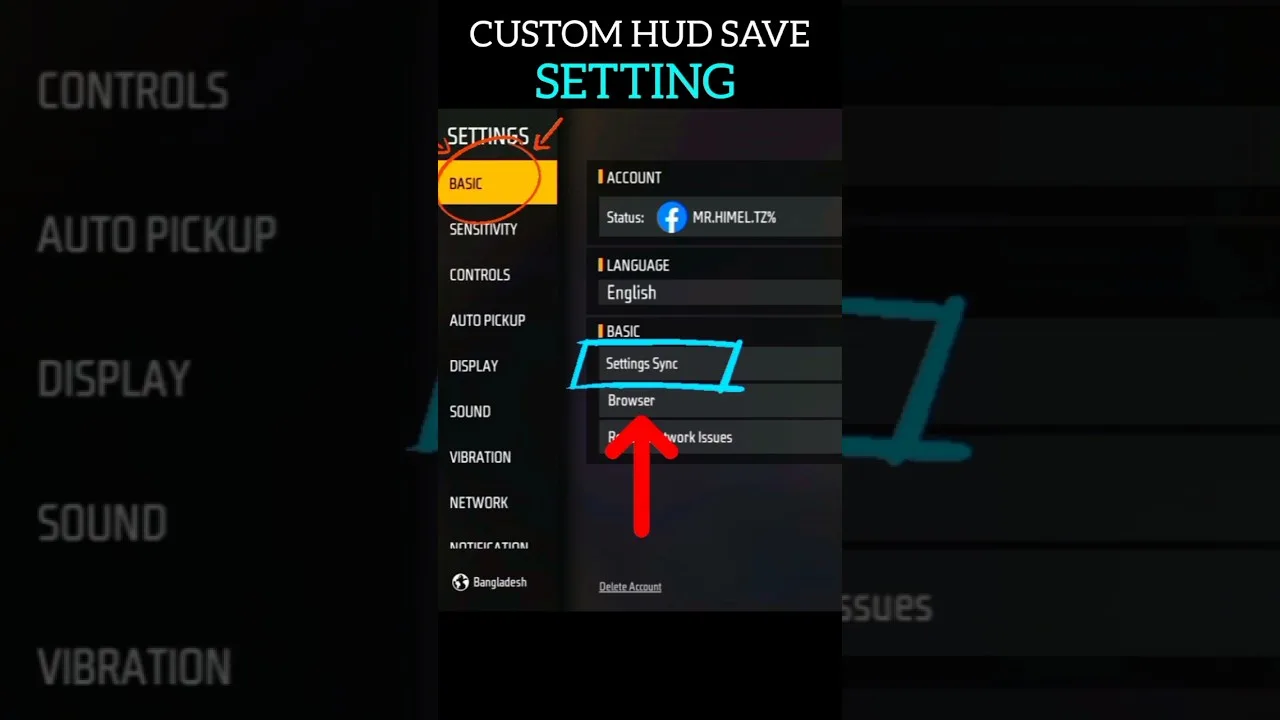
Painel Xit FF Backup and Restore Settings Guide
A settings backup is simply a reliable record of the values your setup depends on, kept somewhere other than the app itself. In Painel Xit FF, your sensitivity, DPI, and layout choices represent weeks of gradual testing, and losing them to an update, a reset, or a new phone is a genuinely frustrating setback.
The encouraging part is how little effort protection takes. A few screenshots and a short written list, updated whenever you settle on new values, are enough to rebuild your exact setup anywhere. The Painel Xit FF mobile app toolkit rewards this habit more than almost any other, because it makes experimentation safe.
This guide covers what to record, where to keep it, how to maintain more than one profile, and how to restore methodically so the setup you recover feels identical to the one you lost.
What Exactly to Record
Record every value you have deliberately changed from its default: each sensitivity slider, your DPI setting, layout positions and sizes, and any comfort options you adjusted. Defaults do not need recording because the app can always return to them on its own.
Screenshots are the fastest capture method, but pair them with a short written list of the numbers. Screenshots get lost, cropped, or buried in a gallery of thousands; a plain note with dated values survives every gallery clear-out and can be read at a glance while you re-enter settings.
Where to Keep the Record
Keep the record outside the app and ideally outside the phone's local storage alone. A note synced to your account, a copy in cloud storage, or even a message to yourself means the backup survives the exact events, like a lost or replaced phone, that make you need it most.
Date every version of the record. When you experiment and return, the date tells you which list is the settled setup and which was a trial. Undated backups create a new problem: several conflicting records with no way to know which one your hands actually learned.
Keeping More Than One Profile
Many players benefit from two profiles: a main setup for serious play and an experimental profile for trying ideas. The backup habit makes this easy, because each profile is just a dated list of values you can switch between deliberately instead of drifting between half-remembered combinations.
This is also the safe way to test major changes. Note the current profile, change freely, and judge the experiment honestly knowing your return ticket is written down. The update routine described in how to update Painel Xit FF depends on exactly this discipline to make updates risk-free.
Restoring Step by Step
When restoring, work in a fixed order: DPI first, then general sensitivity, then scoped values, then layout. Entering values in the same order you originally tuned them keeps their relationships intact, because later settings were chosen to suit the earlier ones.
After entering everything, test before playing seriously. Run through turning, dragging, scoping, and button presses in a practice space and compare against your memory of the old feel. Small mismatches usually mean one value was copied wrong, and a methodical check finds it quickly, as fixing inconsistent response in Painel Xit FF after changes explains when response feels off after changes.
When to Refresh Your Backup
Refresh the record every time you settle on a change, not every time you try one. A backup should represent your proven setup, the one your hands know. Trial values belong in a separate experiment note until they earn promotion into the main record.
Treat the refresh as part of the change itself: adjust, test across a few sessions, decide, then write it down. Building that tiny closing step into your routine means your backup is never more than one settled change out of date.
A Simple Monthly Backup Routine
Habits survive when they are small, so attach your backup refresh to something monthly you already do, like paying a bill or clearing your photo gallery. Once a month, open your settings record, compare it against the app value by value, update anything that changed and earned its place, and re-save the record with the new date at the top.
The monthly rhythm catches slow drift, the gradual accumulation of small in-the-moment tweaks that were never properly tested or written down. Without a routine, drift is invisible until a loss forces a rebuild and reveals that your memory and your phone had been describing two different setups for months.
Final Thoughts
Backing up Painel Xit FF settings is five minutes of writing that protects weeks of tuning. Record every deliberate value, keep dated copies somewhere safe, restore in a fixed order, and refresh the record whenever a change earns its place. With that habit, updates and new phones become minor events.
Label each record with the device it belongs to as well as its date, especially if you ever play on more than one phone or a tablet. A perfect backup restored onto the wrong screen creates a fresh round of confusion, and a two-word label written at the top of the note prevents that entire category of self-inflicted problem from ever happening.
The same routine is the right moment for a quick health check on the whole setup. Ask whether each recorded value is still serving you, whether your layout still fits your grip, and whether anything has felt off often enough to deserve a proper testing session. Ten quiet minutes of review each month prevents most of the dramatic rebuilds and frustrated evenings that less organised players treat as normal.
Related Articles

How to Update Painel Xit FF on Android
Learn how to update Painel Xit FF on Android safely, keep your saved settings intact, and test your setup properly after every new version release in full.
Painel Xit FF Sensitivity Controls Explained
Understand the Painel Xit FF sensitivity controls, what each slider changes, and how to adjust them step by step for steadier aim on your own phone today.
Painel Xit FF DPI and Touch Response Guide
Learn how DPI and touch response settings in Painel Xit FF affect movement and aim, and how to test changes safely without making your phone unstable.
Painel Xit FF Headshot Settings Tips
Practical headshot settings tips for Painel Xit FF users, covering drag control, sensitivity balance, and practice habits that make aim more consistent.
Painel Xit FF Layout and Control Comfort Settings
Set up a comfortable control layout with Painel Xit FF, from button placement and size to grip-friendly spacing that reduces mistakes during long sessions.

Painel Xit FF Permissions and Safety Settings
A clear guide to Painel Xit FF permissions on Android, what each permission supports, and the safety settings every player should check before and after setup.

Painel Xit FF Performance Tips for Low-End Phones
Improve how Painel Xit FF feels on a low-end Android phone with practical performance tips covering background apps, heat, storage, and sensible settings.
Painel Xit FF Common Setup Mistakes to Avoid
Avoid the most common Painel Xit FF setup mistakes, from copying values blindly and changing everything at once to skipping practice testing entirely.

Painel Xit FF Panel vs Manual Settings: Which Works Better
Compare panel-based setup with Painel Xit FF against fully manual in-game settings, and learn which approach suits your device, habits, and play style.
Testing Painel Xit FF Changes in Training Mode
How to test Painel Xit FF setting changes in training mode with simple drills, honest measurement, and a routine that separates real improvement from luck.

Painel Xit FF Settings for Different Screen Sizes
Adjust Painel Xit FF settings for small phones, large phones, and tablets, with guidance on swipe distance, layout spacing, and DPI for each screen size.
Fixing Inconsistent Response in Painel Xit FF After Changes
Diagnose inconsistent touch response after changing Painel Xit FF settings, with a step-by-step method to find whether the cause is values, device, or input.
Painel Xit FF Frequently Asked Questions
Answers to frequently asked questions about Painel Xit FF, covering setup, sensitivity, updates, device differences, and what to do when settings feel wrong.

How to Install Painel Xit FF on Android
Learn how to install Painel Xit FF on Android with clear steps, permission tips, and simple setup guidance for a smoother first launch.

Painel Xit FF Features Guide for Android
Explore the main Painel Xit FF features, including sensitivity tools, DPI-related setup, and practical control adjustment options on Android.

Painel Xit FF Device Compatibility Guide
Check how Painel Xit FF fits Android phones, tablets, and other devices, with practical guidance on setup expectations and performance differences.

Painel Xit FF Main Sections and Setup Categories
Understand the main sections of Painel Xit FF, including sensitivity, DPI, control tuning, and device-focused setup categories on Android.

Painel Xit FF Not Working Common Problems and Fixes
Find common Painel Xit FF problems and practical fixes for installation errors, permission issues, device mismatch, and unstable setup behavior.

Best Ways to Use Painel Xit FF on Android
Learn practical ways to use Painel Xit FF on Android, test settings more carefully, and build a smoother control setup for your own device.