
Painel Xit FF Performance Tips for Low-End Phones
Performance tips for low-end phones are about removing friction: the stutters, delays, and uneven response that come from limited memory, older processors, and heat. Painel Xit FF itself is light, but it runs alongside a demanding game, so the whole phone needs to be working with you.
The good news is that the biggest gains on modest hardware rarely come from the panel at all. They come from what else the phone is doing, how full its storage is, and how hot it gets. The main Painel Xit FF setup app page covers the app itself; this guide covers the environment it runs in.
Every tip here is free, reversible, and safe. Work through them in order, test after each group, and you will usually find that two or three changes deliver most of the improvement your phone is capable of.
Free the Phone Before You Play
Close background apps properly before a session, especially browsers, social apps, and anything streaming or downloading. On a phone with limited memory, every resident app competes with the game for space, and the game losing that competition is what a mid-match stutter actually is.
Restarting the phone before a long session is the oldest tip in this category and still one of the most effective. A restart clears accumulated background clutter in one move and gives the game and the panel a clean memory state to share.
Storage Space and Why It Matters
A nearly full phone slows down in ways that look like game lag. Android needs free space for temporary files, updates, and caching, and when that space disappears, loading stutters and frame pacing suffer. Keep a comfortable margin free, and move photos or old installers off the device.
This also explains why performance can degrade gradually over months without any setting changing. The phone filled up slowly, and the game experience decayed with it. Checking storage belongs on the same routine list as checking settings, a point the Painel Xit FF device compatibility guide also raises from the hardware side.
Heat Is the Silent Performance Killer
When a phone gets hot, it deliberately slows its processor to protect itself, and no setting inside any app can override that. The symptoms are distinctive: the first matches feel fine, then performance slides as the session continues and the device warms up.
Fight heat with simple habits. Remove the case while playing, keep the phone out of direct sunlight, avoid charging during play when you can, and take short breaks between long sessions. A phone that stays cool keeps its full speed for the whole evening, not just the first half hour.
Choose Settings Your Hardware Can Hold
Aggressive display and response values ask more of the hardware than modest phones can consistently give. On a low-end device, moderate settings held steadily will always beat ambitious settings that swing between smooth and stuttering depending on what is happening on screen.
Consistency is also what your hands need in order to learn. The fixes collected in Painel Xit FF not working and common fixes include several that overlap with this idea: when response feels unstable, the answer is often to reduce the load rather than to push values further in search of speed.
Network and Session Habits
Not all lag is performance. A weak or crowded connection produces delays that feel identical to device stutter. Play on the strongest connection available, stay reasonably close to the router on Wi-Fi, and notice whether problems follow the time of day, which is a classic sign of network congestion rather than hardware limits.
Finally, keep the game and the panel updated and restart between very long sessions. Small maintenance habits, repeated routinely, are what separate a low-end phone that feels tired from one that quietly keeps up with its owner.
Display Choices That Lighten the Load
Inside the game, choose display options your phone can sustain rather than the highest ones it can briefly show. Smooth, stable frame delivery matters more for aim and response than visual extras, and a modest device that holds a steady rate will feel more responsive than the same device swinging between impressive and struggling several times a minute.
Screen brightness plays a hidden role too. Maximum brightness accelerates heating and battery drain, both of which invite the throttling described earlier. A comfortable mid-level brightness, especially indoors, extends the time your phone can hold its full speed, which is a performance setting in everything but name and costs nothing to apply.
Final Thoughts
A low-end phone running Painel Xit FF well is mostly a matter of environment: memory freed, storage healthy, heat managed, and settings chosen for steadiness instead of ambition. None of it costs anything, and together these habits deliver the smoothest experience your hardware can honestly provide.
It also helps to keep the game itself lean: clear its cache occasionally from system settings if loading grows sluggish, remove recordings and replays you no longer watch, and uninstall games you have stopped playing entirely. Every resident app is a small tax on memory and storage, and on modest hardware those small taxes add up to the difference between playable and painful.
Finally, keep expectations honest and judge improvement fairly. These habits recover the performance your hardware genuinely has; they do not turn an entry-level phone into a flagship. Measure success by steadiness across a whole evening of play, because a low-end phone that feels the same in the last match as the first is a phone performing at its real best.
Related Articles

How to Update Painel Xit FF on Android
Learn how to update Painel Xit FF on Android safely, keep your saved settings intact, and test your setup properly after every new version release in full.
Painel Xit FF Sensitivity Controls Explained
Understand the Painel Xit FF sensitivity controls, what each slider changes, and how to adjust them step by step for steadier aim on your own phone today.
Painel Xit FF DPI and Touch Response Guide
Learn how DPI and touch response settings in Painel Xit FF affect movement and aim, and how to test changes safely without making your phone unstable.
Painel Xit FF Headshot Settings Tips
Practical headshot settings tips for Painel Xit FF users, covering drag control, sensitivity balance, and practice habits that make aim more consistent.
Painel Xit FF Layout and Control Comfort Settings
Set up a comfortable control layout with Painel Xit FF, from button placement and size to grip-friendly spacing that reduces mistakes during long sessions.

Painel Xit FF Permissions and Safety Settings
A clear guide to Painel Xit FF permissions on Android, what each permission supports, and the safety settings every player should check before and after setup.
Painel Xit FF Backup and Restore Settings Guide
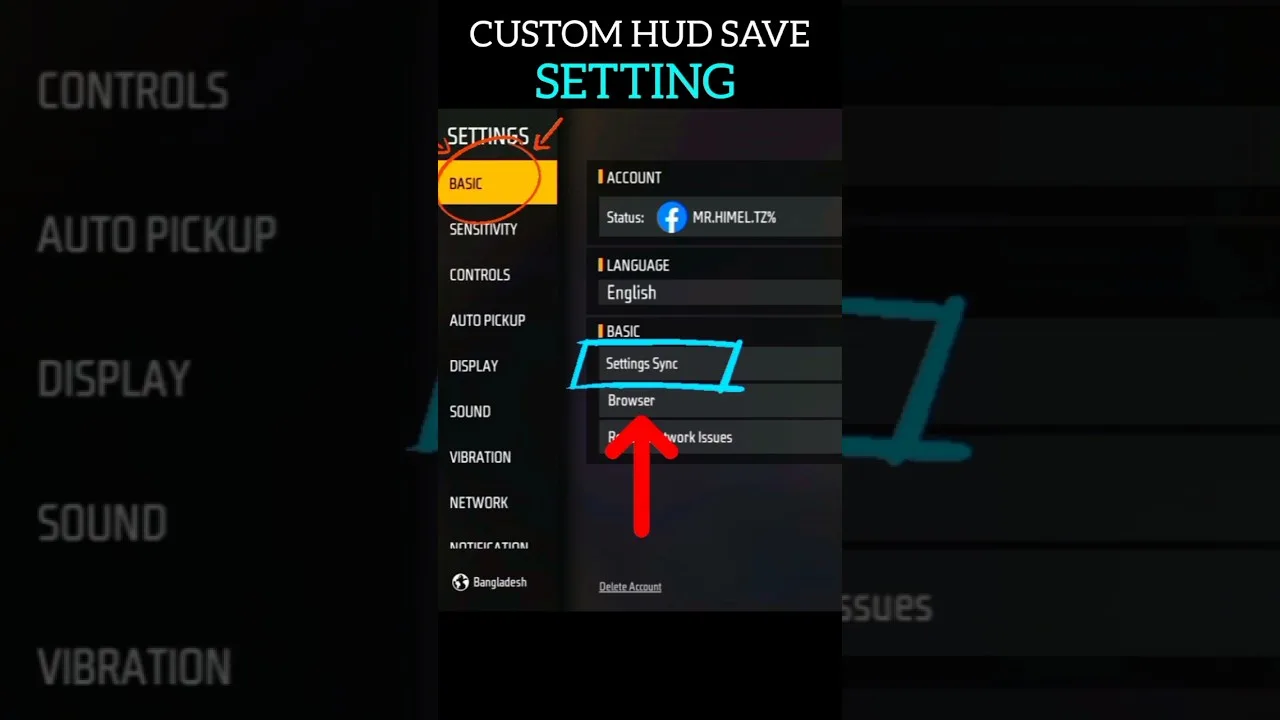
How to back up and restore your Painel Xit FF settings, record values safely, and recover a familiar setup after updates, resets, or a change of phone.
Painel Xit FF Common Setup Mistakes to Avoid
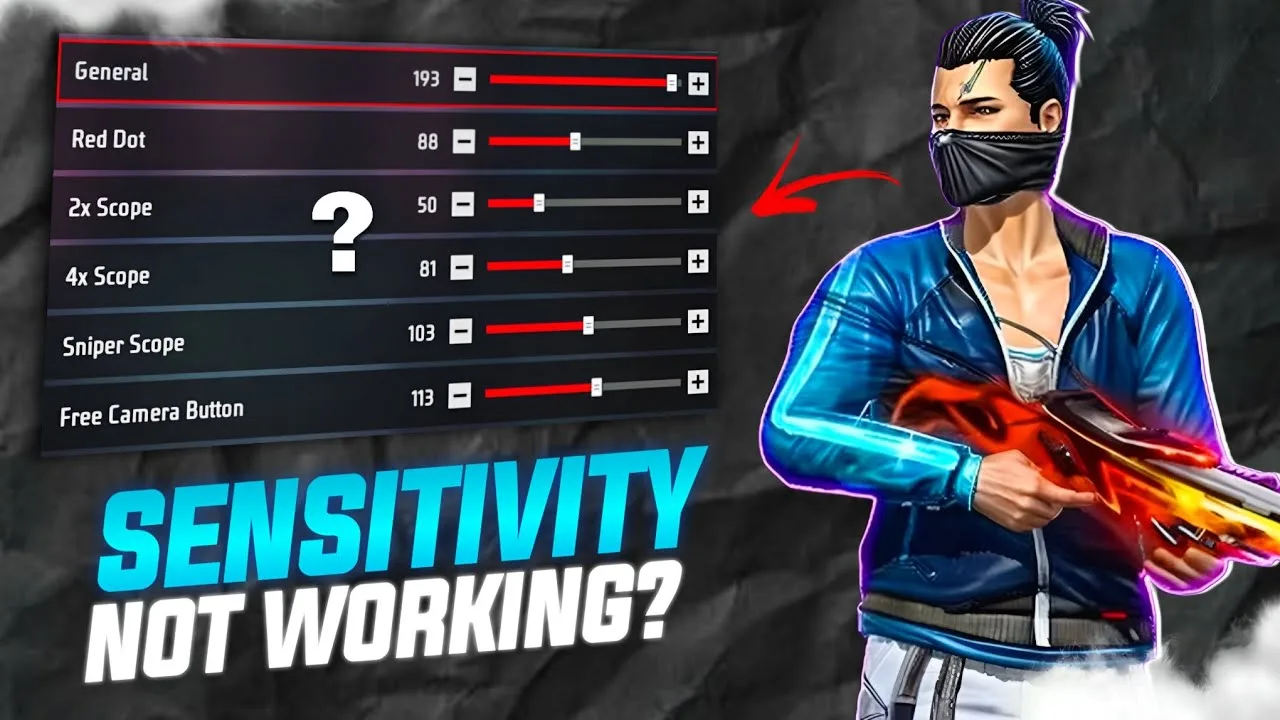
Avoid the most common Painel Xit FF setup mistakes, from copying values blindly and changing everything at once to skipping practice testing entirely.

Painel Xit FF Panel vs Manual Settings: Which Works Better
Compare panel-based setup with Painel Xit FF against fully manual in-game settings, and learn which approach suits your device, habits, and play style.
Testing Painel Xit FF Changes in Training Mode
How to test Painel Xit FF setting changes in training mode with simple drills, honest measurement, and a routine that separates real improvement from luck.
Painel Xit FF Settings for Different Screen Sizes
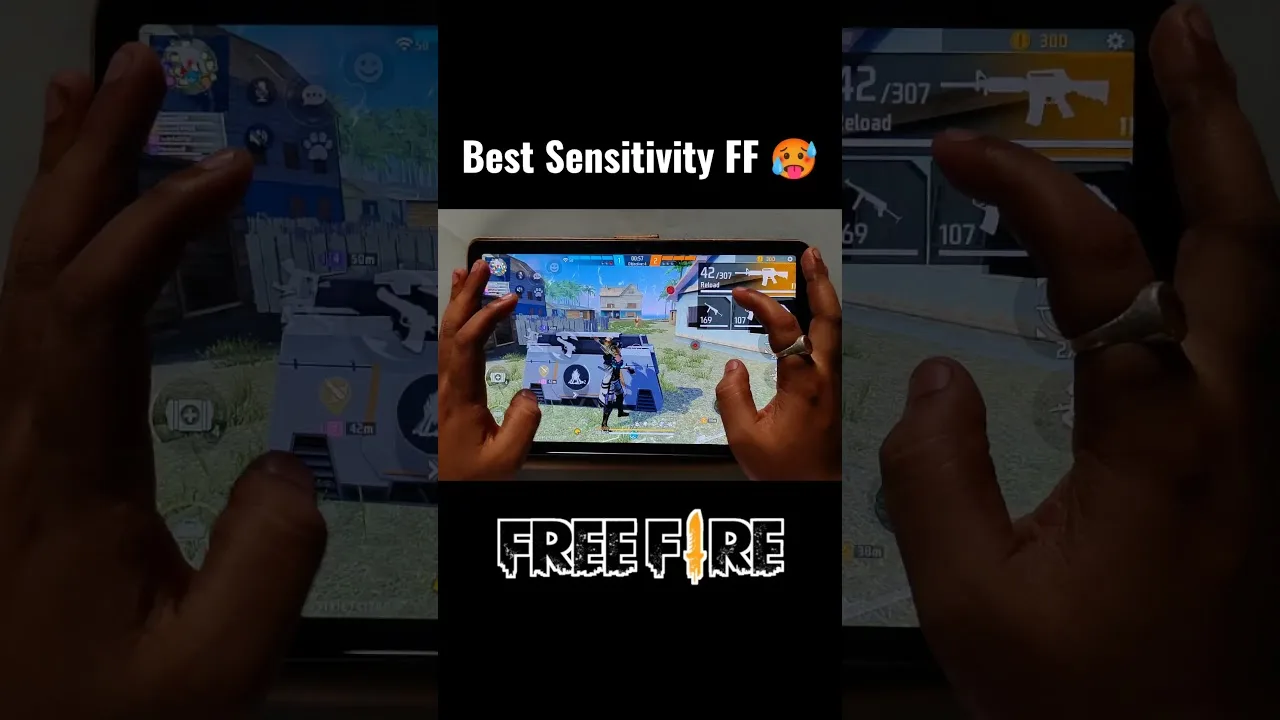
Adjust Painel Xit FF settings for small phones, large phones, and tablets, with guidance on swipe distance, layout spacing, and DPI for each screen size.
Fixing Inconsistent Response in Painel Xit FF After Changes
Diagnose inconsistent touch response after changing Painel Xit FF settings, with a step-by-step method to find whether the cause is values, device, or input.
Painel Xit FF Frequently Asked Questions
Answers to frequently asked questions about Painel Xit FF, covering setup, sensitivity, updates, device differences, and what to do when settings feel wrong.

How to Install Painel Xit FF on Android
Learn how to install Painel Xit FF on Android with clear steps, permission tips, and simple setup guidance for a smoother first launch.

Painel Xit FF Features Guide for Android
Explore the main Painel Xit FF features, including sensitivity tools, DPI-related setup, and practical control adjustment options on Android.

Painel Xit FF Device Compatibility Guide
Check how Painel Xit FF fits Android phones, tablets, and other devices, with practical guidance on setup expectations and performance differences.

Painel Xit FF Main Sections and Setup Categories
Understand the main sections of Painel Xit FF, including sensitivity, DPI, control tuning, and device-focused setup categories on Android.

Painel Xit FF Not Working Common Problems and Fixes
Find common Painel Xit FF problems and practical fixes for installation errors, permission issues, device mismatch, and unstable setup behavior.

Best Ways to Use Painel Xit FF on Android
Learn practical ways to use Painel Xit FF on Android, test settings more carefully, and build a smoother control setup for your own device.