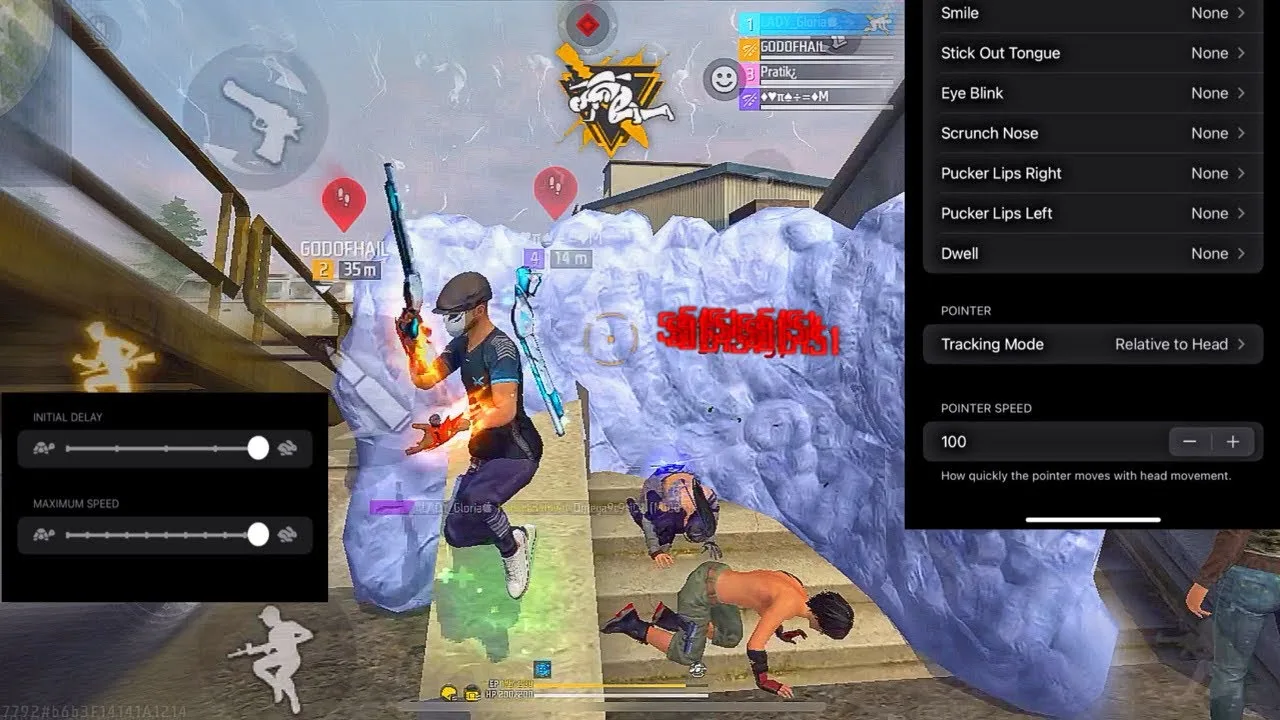
Painel Xit FF DPI and Touch Response Guide
DPI, in simple terms, controls how much on-screen content fits into the same physical space and how far elements travel for a given swipe. In a panel context it is closely tied to touch response: together they decide whether your controls feel sharp and immediate or slow and heavy.
Players often treat DPI as a shortcut to better aim, but it changes the whole feel of the phone, not just the game. Menus, icons, and every app respond to it. That is why the Painel Xit FF panel app should be treated as one part of a wider adjustment rather than a single magic value.
This guide explains how DPI interacts with sensitivity, what touch response actually feels like when it improves, and how to test changes in a controlled way so you can always return to a setup that worked.
What Changing DPI Really Does
Raising DPI makes interface elements smaller and lets a swipe cover more visual distance, which many players experience as faster, lighter aim. Lowering it does the opposite: elements grow, swipes feel weightier, and fine movements become easier to control at the cost of turning speed.
Neither direction is automatically better. The useful question is which feel matches your hands and your screen. On a small display, very high DPI can make buttons hard to hit accurately, while on a large display the same value may feel perfectly comfortable.
How DPI and Sensitivity Interact
DPI and sensitivity multiply each other. If you raise DPI and keep sensitivity untouched, your aim will feel faster even though you changed only one number. Many players then lower sensitivity randomly to compensate, and end up with a combination neither they nor anyone else can reproduce.
A cleaner method is to treat the pair as one system. Change DPI first, test, then fine-tune sensitivity in small steps, exactly as described in Painel Xit FF sensitivity controls explained. That order keeps cause and effect clear: you always know which change produced which feeling.
Testing Touch Response Honestly
Touch response is about delay and consistency, not just speed. A responsive setup registers the start of your swipe immediately and tracks it evenly to the end. An unresponsive one feels sticky at the start of movements and unpredictable during fast turns.
Test in a quiet practice space with repeated identical movements: the same turn, the same drag, the same scope flick, several times each. Consistency across repetitions is the real sign of good response. One brilliant flick among five uneven ones means the setup still needs work.
Staying Within Safe Limits
Extreme DPI values can make a phone awkward to use and, on some devices, can cause display quirks that follow you outside the game. Stay within moderate ranges, change values gradually, and always know how to return to the default if the screen becomes hard to read or navigate.
Device differences matter here more than almost anywhere else. The Painel Xit FF device compatibility guide is worth reading before pushing values hard, because older or smaller devices simply have less headroom for aggressive display changes than newer, larger ones.
Building a Balanced Combination
Once you find a DPI and sensitivity pairing that feels consistent, stop chasing small improvements for a while. Play on it for several days. Many combinations that feel merely fine on day one feel excellent on day four, once your hands fully learn them.
Record the final pairing somewhere safe, including the exact values and the date you settled on them. That record is your anchor: any future experiment starts from it, and any failed experiment ends by returning to it.
Signs Your DPI Is Too High or Too Low
When DPI is too high for your screen and hands, the symptoms are consistent: buttons feel small and easy to miss, the game view feels twitchy during fine aiming, and small swipes produce larger movements than you intended. Players often describe this as their aim feeling nervous, and they compensate by gripping harder and moving less, which tires the hands and shrinks their effective control range.
When DPI is too low, everything feels heavy. Turns require long, tiring swipes, drags run out of screen before they reach their target height, and close fights against fast opponents feel like they happen a half-second before you can respond. The fix in both directions is the same: move in modest steps toward the middle ground where a natural swipe does what you expect, and verify each step with repeated movements rather than first impressions.
A practical way to find that middle ground is to change DPI by one modest step, play a full session, and ask a single question afterwards: did my swipes finish where I meant them to, without conscious correction. If the honest answer is mostly yes, stay there for several days before judging further, because small steps judged patiently converge on your ideal range far more reliably than large jumps judged in a hurry ever will.
Final Thoughts
DPI and touch response shape the physical feel of every movement you make, so they deserve careful, gradual testing rather than copied extremes. Treat DPI and sensitivity as one system, judge response by consistency, stay within limits your device handles comfortably, and your controls will feel reliably sharp.
A useful final check is your whole phone, not just the game. If everyday tasks like typing and browsing feel awkward at your chosen DPI, the value is costing you outside matches as well, and a slightly more moderate setting that serves both worlds will usually serve your aim better too, because a phone you handle confidently all day is a phone your hands understand when the match starts.
Related Articles

How to Update Painel Xit FF on Android
Learn how to update Painel Xit FF on Android safely, keep your saved settings intact, and test your setup properly after every new version release in full.
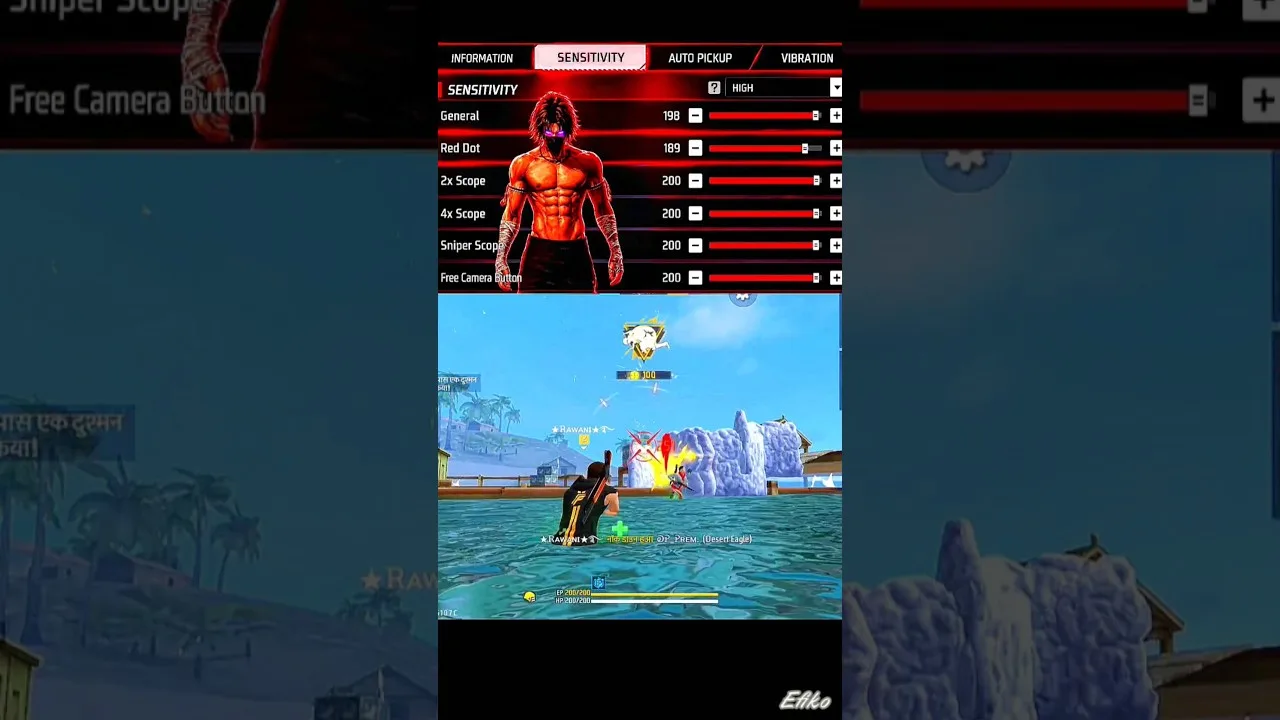
Painel Xit FF Sensitivity Controls Explained
Understand the Painel Xit FF sensitivity controls, what each slider changes, and how to adjust them step by step for steadier aim on your own phone today.
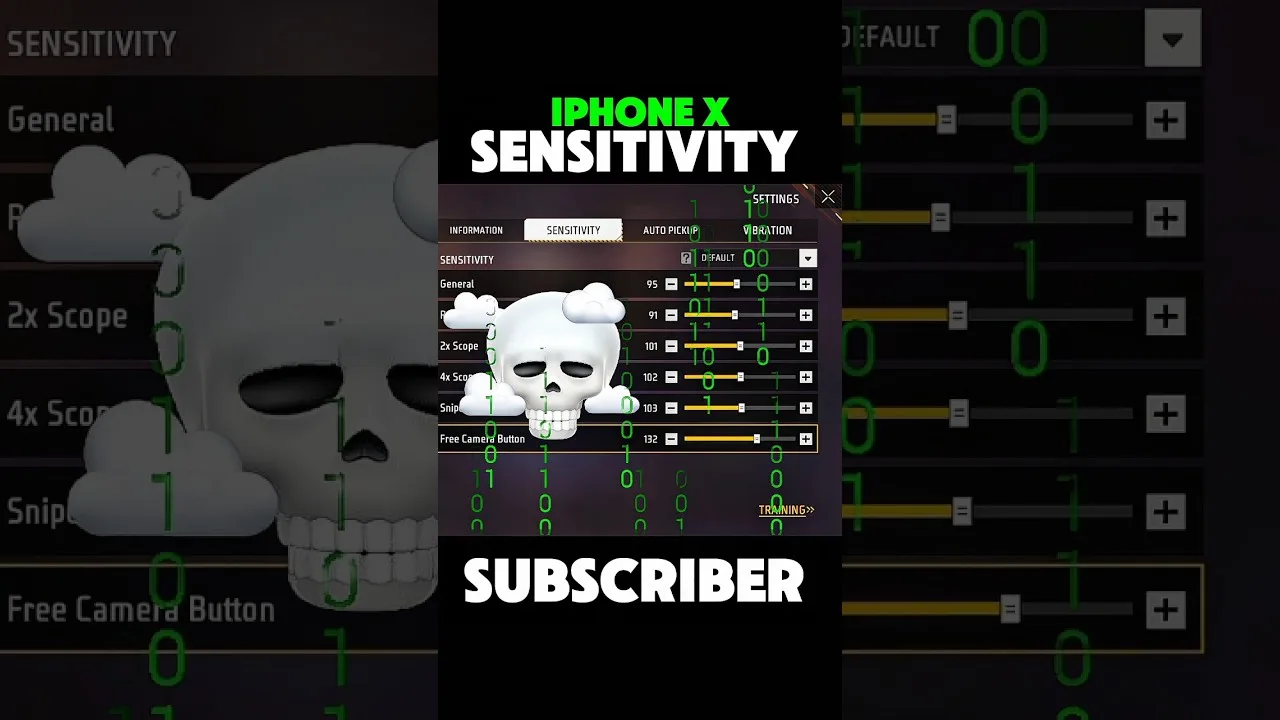
Painel Xit FF Headshot Settings Tips
Practical headshot settings tips for Painel Xit FF users, covering drag control, sensitivity balance, and practice habits that make aim more consistent.
Painel Xit FF Layout and Control Comfort Settings
Set up a comfortable control layout with Painel Xit FF, from button placement and size to grip-friendly spacing that reduces mistakes during long sessions.

Painel Xit FF Permissions and Safety Settings
A clear guide to Painel Xit FF permissions on Android, what each permission supports, and the safety settings every player should check before and after setup.

Painel Xit FF Performance Tips for Low-End Phones
Improve how Painel Xit FF feels on a low-end Android phone with practical performance tips covering background apps, heat, storage, and sensible settings.
Painel Xit FF Backup and Restore Settings Guide
How to back up and restore your Painel Xit FF settings, record values safely, and recover a familiar setup after updates, resets, or a change of phone.
Painel Xit FF Common Setup Mistakes to Avoid
Avoid the most common Painel Xit FF setup mistakes, from copying values blindly and changing everything at once to skipping practice testing entirely.
Painel Xit FF Panel vs Manual Settings: Which Works Better
Compare panel-based setup with Painel Xit FF against fully manual in-game settings, and learn which approach suits your device, habits, and play style.
Testing Painel Xit FF Changes in Training Mode
How to test Painel Xit FF setting changes in training mode with simple drills, honest measurement, and a routine that separates real improvement from luck.
Painel Xit FF Settings for Different Screen Sizes
Adjust Painel Xit FF settings for small phones, large phones, and tablets, with guidance on swipe distance, layout spacing, and DPI for each screen size.
Fixing Inconsistent Response in Painel Xit FF After Changes
Diagnose inconsistent touch response after changing Painel Xit FF settings, with a step-by-step method to find whether the cause is values, device, or input.
Painel Xit FF Frequently Asked Questions
Answers to frequently asked questions about Painel Xit FF, covering setup, sensitivity, updates, device differences, and what to do when settings feel wrong.

How to Install Painel Xit FF on Android
Learn how to install Painel Xit FF on Android with clear steps, permission tips, and simple setup guidance for a smoother first launch.

Painel Xit FF Features Guide for Android
Explore the main Painel Xit FF features, including sensitivity tools, DPI-related setup, and practical control adjustment options on Android.

Painel Xit FF Device Compatibility Guide
Check how Painel Xit FF fits Android phones, tablets, and other devices, with practical guidance on setup expectations and performance differences.

Painel Xit FF Main Sections and Setup Categories
Understand the main sections of Painel Xit FF, including sensitivity, DPI, control tuning, and device-focused setup categories on Android.

Painel Xit FF Not Working Common Problems and Fixes
Find common Painel Xit FF problems and practical fixes for installation errors, permission issues, device mismatch, and unstable setup behavior.

Best Ways to Use Painel Xit FF on Android
Learn practical ways to use Painel Xit FF on Android, test settings more carefully, and build a smoother control setup for your own device.