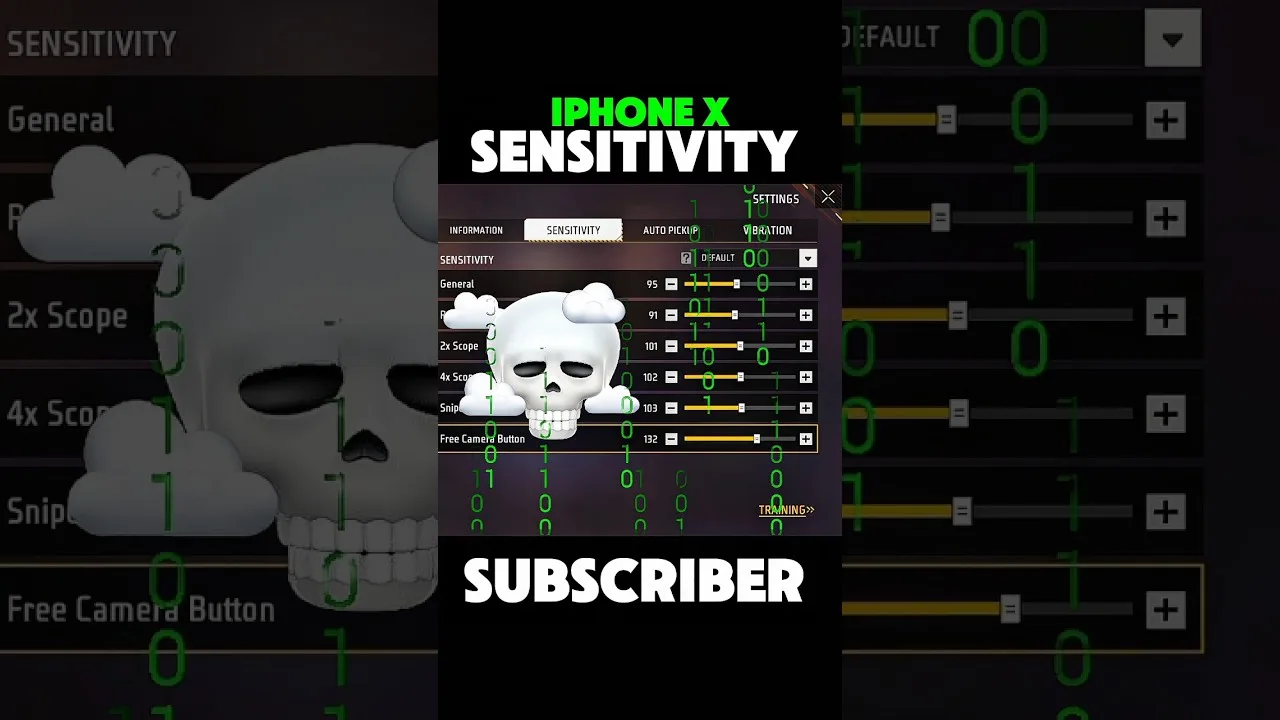
Painel Xit FF Headshot Settings Tips
Headshot settings in Painel Xit FF are the values that shape how your crosshair climbs during a drag, which is why so many players search for them. The honest truth is that no single value lands headshots by itself; the settings simply make a practiced movement land at the right height more often.
What the panel can genuinely do is make your drag consistent. When the same swipe produces the same crosshair movement every time, your hands can learn it. The main Painel Xit FF panel utility page covers the wider toolkit, while this guide focuses on the specific adjustments that influence upward aim control.
Expect a process, not a switch. You will balance general sensitivity against drag behaviour, test in a controlled space, and refine in small steps. Players who accept that process improve steadily; players hunting for a secret number stay frustrated.
The Drag Movement, Explained Plainly
A drag headshot attempt is one smooth upward swipe that starts around chest height and finishes as the shot fires near head height. The settings matter because they decide how far the crosshair travels during that swipe: too little travel and you hit the chest, too much and you shoot over the head.
Your job is to match travel distance to your natural swipe length. Everyone swipes differently, which is why a value that works beautifully for a friend can fail for you even on the same phone model. Your swipe is the constant; the settings must adapt to it.
Balancing General Sensitivity for Drags
General sensitivity is the main lever for drag distance. If your drags consistently finish low, a small increase helps the crosshair climb further in the same swipe. If they consistently sail over the target, a small decrease brings the finish point down to where you need it.
Work from the foundation described in Painel Xit FF sensitivity controls explained before fine-tuning for drags specifically. A stable base means your drag adjustment only has to solve one problem, the climb height, instead of compensating for shaky turning and tracking at the same time.
Why Consistency Beats Raw Speed
New players often raise sensitivity until drags feel lightning fast, then discover their results swing wildly between brilliant and terrible. Speed without consistency is just randomness arriving quicker. A slightly slower drag that lands at the same height nine times out of ten is far more valuable.
Judge your settings by a series, never by a single attempt. Run ten drags at a stationary target and count how many finish at the right height. Change settings only when that count, not a feeling, tells you the current values are wrong.
Practising Where It Costs Nothing
Build the movement in a practice environment before trusting it in real matches. Stationary targets first, then moving ones, then targets at different distances, because drag distance changes with range and your settings need to serve all of them reasonably well.
The routine in the guide to testing Painel Xit FF changes in training mode fits this perfectly: short, focused sessions with one goal each. Ten calm minutes of structured practice teach your hands more than an hour of ranked matches where every drag is attempted under pressure.
Common Drag Problems and Their Causes
If drags feel fine at close range but fail at distance, the issue is usually swipe length, not settings: longer ranges need a longer or faster swipe, and no value removes that physical fact. If drags fail after switching phones, your new screen size has changed your swipe geometry.
If results vary within a single session, check for inconsistency in your own input first: a shifting grip, a sweaty screen, or a new case changing how your thumb slides. Settings cannot fix variable input, and changing them to try only adds a second moving part.
Grip and Posture Matter More Than Players Think
Drag consistency depends on a repeatable physical motion, and that motion starts with how the phone is held. A grip that shifts during play changes the angle and length of every swipe, so the same settings produce different results from one fight to the next. Settling on a stable grip, with the phone supported the same way each session, quietly removes a large share of unexplained variation.
Posture and session length play a part as well. Tired arms drag shorter, and a hunched position shortens thumb travel without the player noticing. If your drags decay late in long sessions while your settings have not changed, the honest explanation is physical fatigue, and the correct response is a break rather than another round of retuning that you will regret the next morning.
Final Thoughts
Headshot success with Painel Xit FF comes from matching drag distance to your own swipe, balancing sensitivity in small steps, and practising the movement where mistakes are free. Treat the settings as a way to make your practice repeatable, and the results will follow the repetitions.
One last discipline ties everything together: change only one drag-related value between practice sessions, and keep a tiny tally of results for each version you try. After a week, that tally shows your progress as a rising count rather than a feeling, and rising counts are what carry a player through the flat days when improvement is real but not yet visible in matches.
Treat your practice results as a conversation between settings and body. Settings define what a swipe does; your hands define what swipe actually happens. When both are stable, drag height becomes one of the most predictable parts of your game. When results wander, check the physical side first, because it drifts far more often than numbers stored in an app ever do.
Related Articles

How to Update Painel Xit FF on Android
Learn how to update Painel Xit FF on Android safely, keep your saved settings intact, and test your setup properly after every new version release in full.
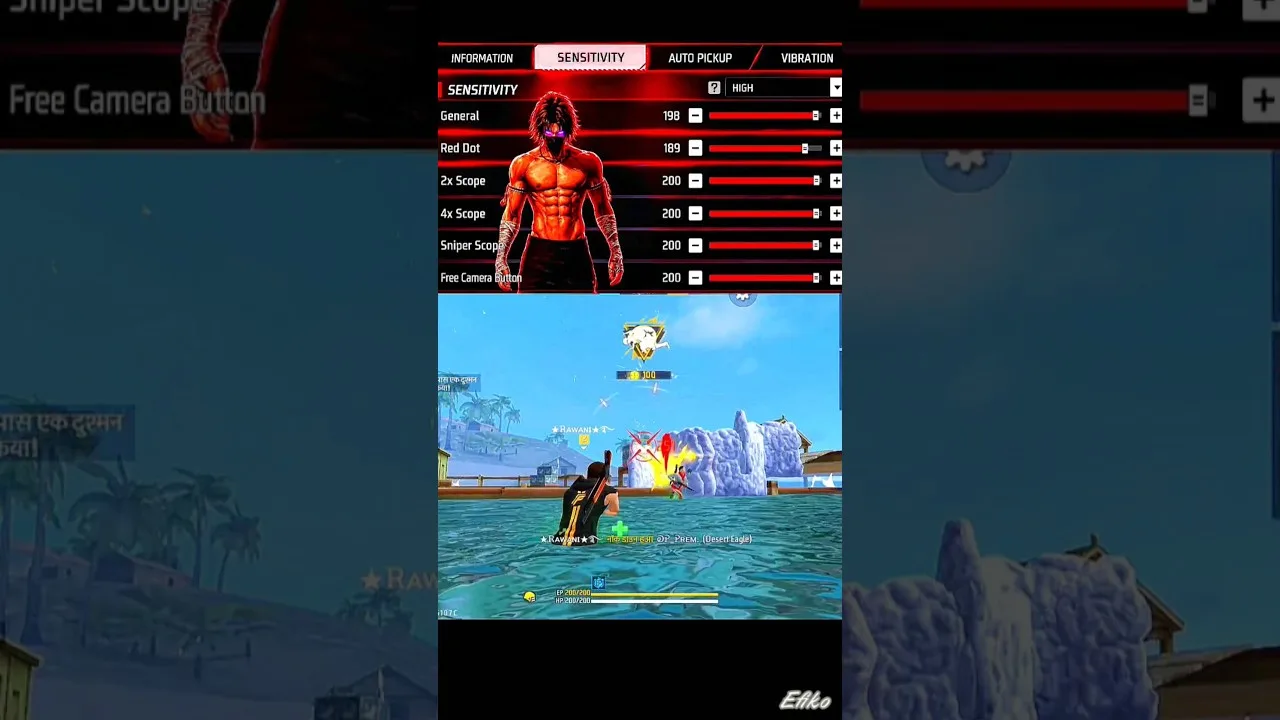
Painel Xit FF Sensitivity Controls Explained
Understand the Painel Xit FF sensitivity controls, what each slider changes, and how to adjust them step by step for steadier aim on your own phone today.
Painel Xit FF DPI and Touch Response Guide
Learn how DPI and touch response settings in Painel Xit FF affect movement and aim, and how to test changes safely without making your phone unstable.
Painel Xit FF Layout and Control Comfort Settings
Set up a comfortable control layout with Painel Xit FF, from button placement and size to grip-friendly spacing that reduces mistakes during long sessions.

Painel Xit FF Permissions and Safety Settings
A clear guide to Painel Xit FF permissions on Android, what each permission supports, and the safety settings every player should check before and after setup.

Painel Xit FF Performance Tips for Low-End Phones
Improve how Painel Xit FF feels on a low-end Android phone with practical performance tips covering background apps, heat, storage, and sensible settings.
Painel Xit FF Backup and Restore Settings Guide
How to back up and restore your Painel Xit FF settings, record values safely, and recover a familiar setup after updates, resets, or a change of phone.
Painel Xit FF Common Setup Mistakes to Avoid
Avoid the most common Painel Xit FF setup mistakes, from copying values blindly and changing everything at once to skipping practice testing entirely.
Painel Xit FF Panel vs Manual Settings: Which Works Better
Compare panel-based setup with Painel Xit FF against fully manual in-game settings, and learn which approach suits your device, habits, and play style.
Testing Painel Xit FF Changes in Training Mode
How to test Painel Xit FF setting changes in training mode with simple drills, honest measurement, and a routine that separates real improvement from luck.
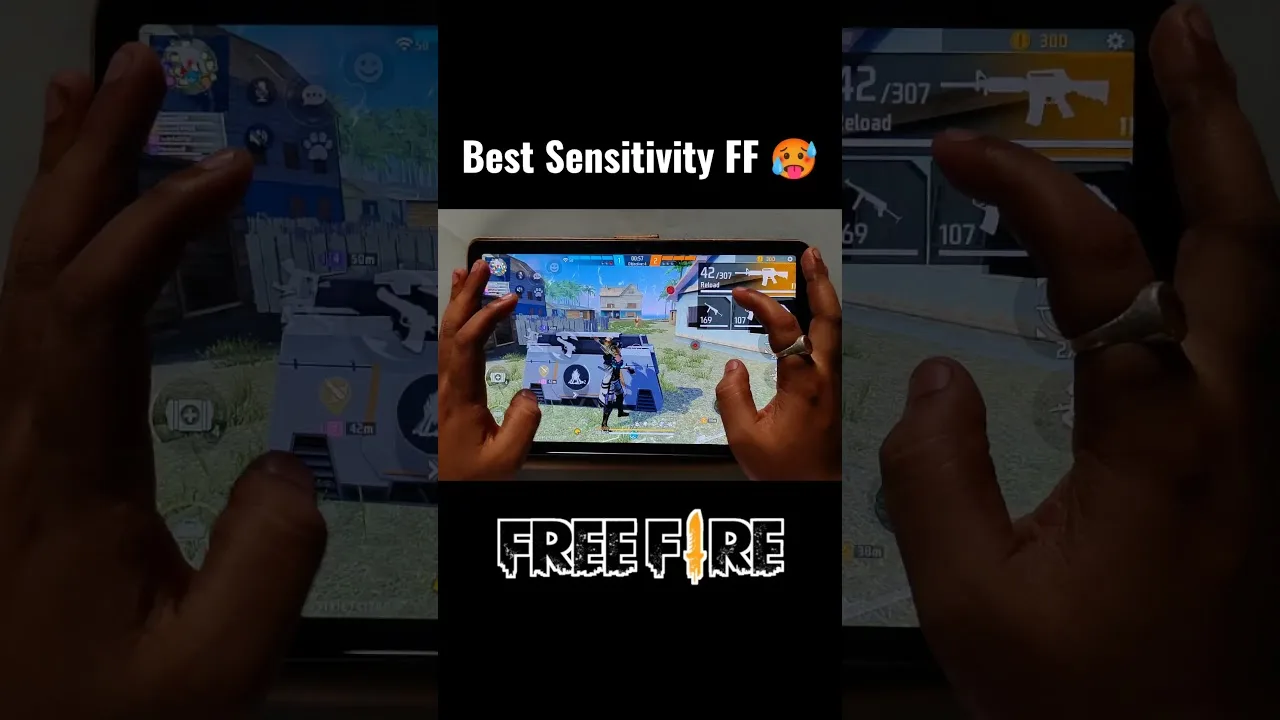
Painel Xit FF Settings for Different Screen Sizes
Adjust Painel Xit FF settings for small phones, large phones, and tablets, with guidance on swipe distance, layout spacing, and DPI for each screen size.
Fixing Inconsistent Response in Painel Xit FF After Changes
Diagnose inconsistent touch response after changing Painel Xit FF settings, with a step-by-step method to find whether the cause is values, device, or input.
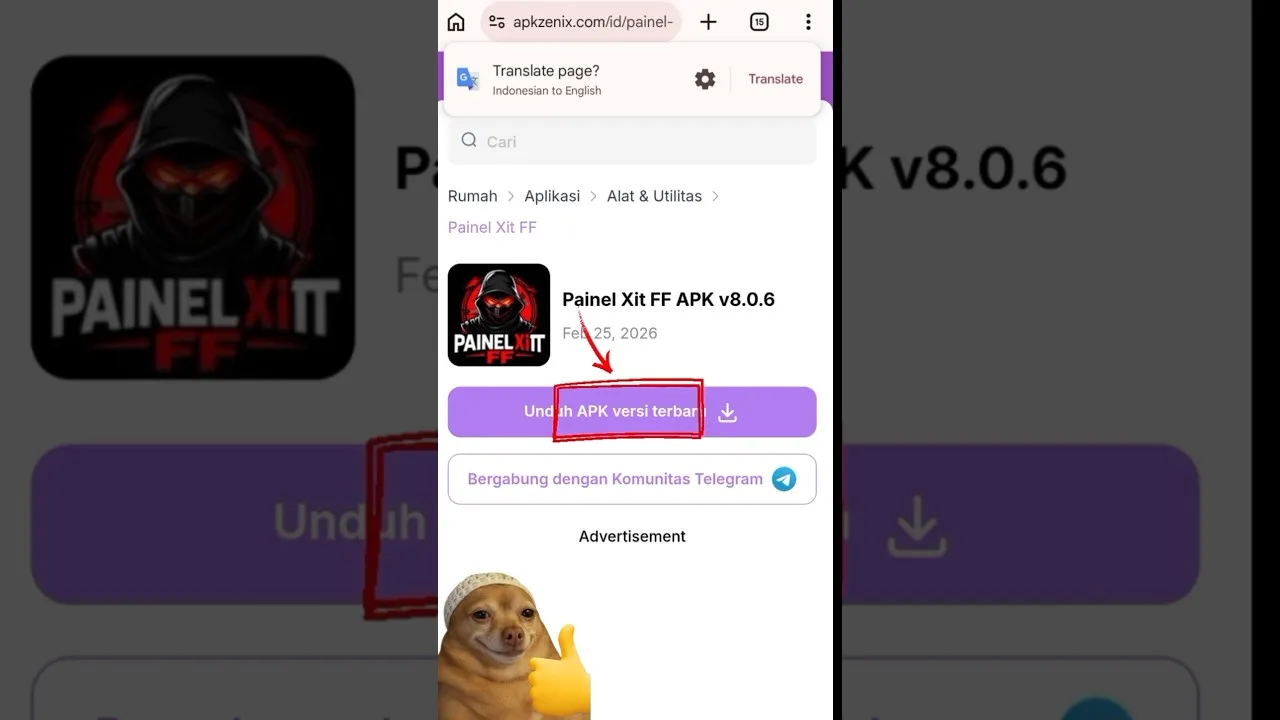
Painel Xit FF Frequently Asked Questions
Answers to frequently asked questions about Painel Xit FF, covering setup, sensitivity, updates, device differences, and what to do when settings feel wrong.

How to Install Painel Xit FF on Android
Learn how to install Painel Xit FF on Android with clear steps, permission tips, and simple setup guidance for a smoother first launch.

Painel Xit FF Features Guide for Android
Explore the main Painel Xit FF features, including sensitivity tools, DPI-related setup, and practical control adjustment options on Android.

Painel Xit FF Device Compatibility Guide
Check how Painel Xit FF fits Android phones, tablets, and other devices, with practical guidance on setup expectations and performance differences.

Painel Xit FF Main Sections and Setup Categories
Understand the main sections of Painel Xit FF, including sensitivity, DPI, control tuning, and device-focused setup categories on Android.

Painel Xit FF Not Working Common Problems and Fixes
Find common Painel Xit FF problems and practical fixes for installation errors, permission issues, device mismatch, and unstable setup behavior.

Best Ways to Use Painel Xit FF on Android
Learn practical ways to use Painel Xit FF on Android, test settings more carefully, and build a smoother control setup for your own device.