Fixing Inconsistent Response in Painel Xit FF After Changes
Inconsistent response means your controls feel different from moment to moment: a swipe that turns perfectly once and overshoots the next time, aim that feels sharp in one match and sticky in the next. It most often appears right after changes, which is why players blame their newest Painel Xit FF settings.
Sometimes the settings really are the cause, but often the change merely coincided with something else: a warming phone, a shifted grip, a system update, or simple fatigue. The toolkit reached through Painel Xit FF settings app works best when this kind of problem is diagnosed rather than guessed at.
This guide gives you a calm diagnostic order. Work through it from the top, and you will usually identify the true cause within one session instead of spending a week randomly retuning values that were never the problem.
First, Rule Out the Simple Causes
Before touching any value, check the physical basics. Clean the screen, because oils and sweat genuinely change how a thumb slides. Notice whether the inconsistency follows heat, appearing later in sessions as the phone warms. Check that no other heavy app is running behind the game.
These causes are unglamorous and extremely common. A remarkable share of mysterious response problems end at this step, with a wiped screen or a closed background app, and every settings change made before checking them only added confusion to a simple situation.
Test One Variable at a Time
Move to a practice environment and reproduce the problem with repeated identical movements. If the inconsistency appears there, change exactly one suspect value back toward its previous setting and repeat the same movements. If behaviour stabilises, you have found your cause.
This is where recorded values prove their worth. The method in Painel Xit FF backup and restore settings guide lets you revert precisely instead of approximately, and a precise revert is a real experiment: the same input producing a stable result confirms the diagnosis beyond argument.
Separate Aiming Problems From Turning Problems
Inconsistency is easier to fix when you name its location. If turning feels uneven but aiming down sights feels stable, the general sensitivity area and the physical swipe are the suspects. If scoped aim wobbles while turning feels fine, look at scoped values and at how your support hand holds the phone.
Narrowing the problem this way halves the search space. Many players retune everything in response to a fault living in one area, disturbing two healthy areas to chase one unhealthy one, and end the evening with three problems instead of one.
When the Cause Is the Device, Not the Values
Sometimes the honest answer is hardware or system state: an ageing device under load, a recent Android update changing touch behaviour, or battery-saving features interfering mid-session. The patterns in Painel Xit FF not working and common fixes overlap heavily with these cases, especially problems that appear and disappear without any setting being touched.
The test that separates device causes from value causes is stability across a restart and a cool phone. If identical settings feel consistent on a fresh, cool device and degrade over a long session, your values were innocent and your session habits need the attention.
Locking In a Stable Setup
Once response is consistent again, resist the urge to celebrate by tuning further. Record the working values, play on them for several days, and let stability rebuild your confidence. Inconsistency often returns through the door of restless adjustment rather than through any technical fault.
Treat stable response as the foundation everything else stands on. Future experiments should be small, single, and reversible, so that if inconsistency ever reappears, you can name the one change that arrived with it instead of facing another open-ended mystery.
A Quick Consistency Check to Run Anytime
Keep a two-minute check in your pocket for any moment response feels suspicious. In a practice space, perform the same quarter-turn ten times, the same full turn five times, and the same drag five times, and simply notice whether the outcomes cluster tightly or scatter. Tight clusters mean your setup and hands are fine and the earlier feeling was probably match chaos rather than a real fault.
Scattered outcomes send you back into the diagnostic order with useful information: you now know the problem reproduces under calm conditions, which rules out opponents, pressure, and luck in one step. That single distinction, reproducible or not, is the most valuable piece of evidence in this entire troubleshooting process.
Final Thoughts
Inconsistent response after changes is a diagnosis problem, not a luck problem. Rule out heat, screen condition, and background load first, test one variable at a time against a recorded setup, and separate aiming faults from turning faults. Worked in that order, the cause almost always identifies itself.
Document the episode briefly once it is solved: the symptom, the cause you found, and the fix that worked, added to your settings notes. The next time inconsistency appears, and it will, you will start from your own history instead of from zero, and most repeat problems will match a pattern you have already solved once before.
Run the check on a known-good day as well, and remember or record what healthy looks like for you. A baseline of normal scatter makes abnormal scatter obvious on sight. Players who know their normal can diagnose in minutes; players without a baseline argue with feelings, and feelings under match pressure are the least reliable instrument in the whole setup.
Related Articles

How to Update Painel Xit FF on Android
Learn how to update Painel Xit FF on Android safely, keep your saved settings intact, and test your setup properly after every new version release in full.
Painel Xit FF Sensitivity Controls Explained
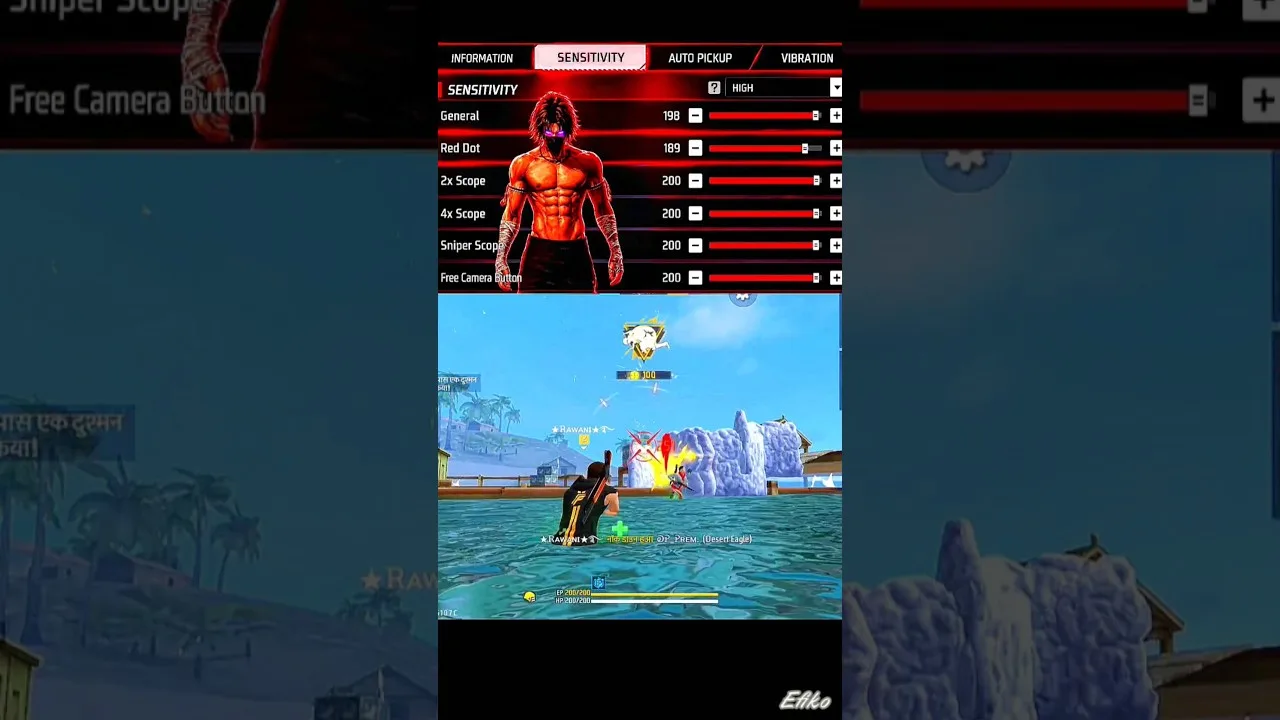
Understand the Painel Xit FF sensitivity controls, what each slider changes, and how to adjust them step by step for steadier aim on your own phone today.
Painel Xit FF DPI and Touch Response Guide
Learn how DPI and touch response settings in Painel Xit FF affect movement and aim, and how to test changes safely without making your phone unstable.
Painel Xit FF Headshot Settings Tips
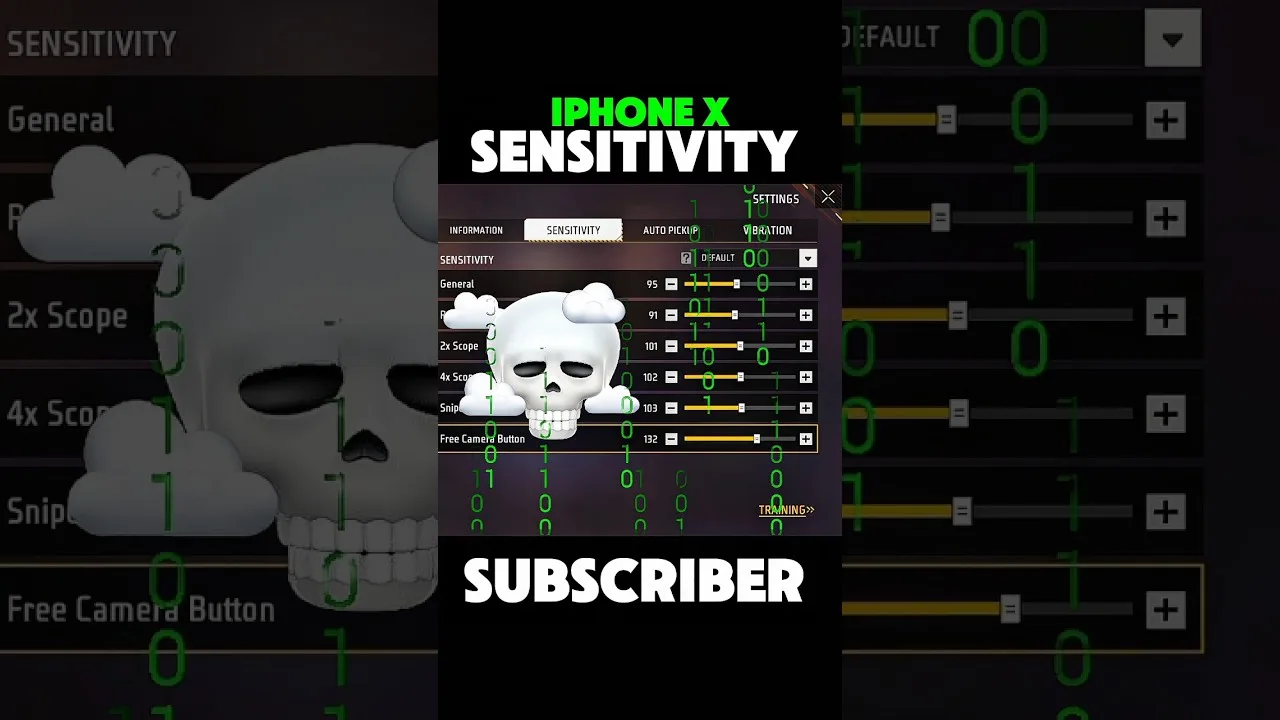
Practical headshot settings tips for Painel Xit FF users, covering drag control, sensitivity balance, and practice habits that make aim more consistent.
Painel Xit FF Layout and Control Comfort Settings
Set up a comfortable control layout with Painel Xit FF, from button placement and size to grip-friendly spacing that reduces mistakes during long sessions.

Painel Xit FF Permissions and Safety Settings
A clear guide to Painel Xit FF permissions on Android, what each permission supports, and the safety settings every player should check before and after setup.

Painel Xit FF Performance Tips for Low-End Phones
Improve how Painel Xit FF feels on a low-end Android phone with practical performance tips covering background apps, heat, storage, and sensible settings.
Painel Xit FF Backup and Restore Settings Guide
How to back up and restore your Painel Xit FF settings, record values safely, and recover a familiar setup after updates, resets, or a change of phone.
Painel Xit FF Common Setup Mistakes to Avoid
Avoid the most common Painel Xit FF setup mistakes, from copying values blindly and changing everything at once to skipping practice testing entirely.
Painel Xit FF Panel vs Manual Settings: Which Works Better
Compare panel-based setup with Painel Xit FF against fully manual in-game settings, and learn which approach suits your device, habits, and play style.
Testing Painel Xit FF Changes in Training Mode
How to test Painel Xit FF setting changes in training mode with simple drills, honest measurement, and a routine that separates real improvement from luck.
Painel Xit FF Settings for Different Screen Sizes
Adjust Painel Xit FF settings for small phones, large phones, and tablets, with guidance on swipe distance, layout spacing, and DPI for each screen size.
Painel Xit FF Frequently Asked Questions
Answers to frequently asked questions about Painel Xit FF, covering setup, sensitivity, updates, device differences, and what to do when settings feel wrong.

How to Install Painel Xit FF on Android
Learn how to install Painel Xit FF on Android with clear steps, permission tips, and simple setup guidance for a smoother first launch.

Painel Xit FF Features Guide for Android
Explore the main Painel Xit FF features, including sensitivity tools, DPI-related setup, and practical control adjustment options on Android.

Painel Xit FF Device Compatibility Guide
Check how Painel Xit FF fits Android phones, tablets, and other devices, with practical guidance on setup expectations and performance differences.

Painel Xit FF Main Sections and Setup Categories
Understand the main sections of Painel Xit FF, including sensitivity, DPI, control tuning, and device-focused setup categories on Android.

Painel Xit FF Not Working Common Problems and Fixes
Find common Painel Xit FF problems and practical fixes for installation errors, permission issues, device mismatch, and unstable setup behavior.

Best Ways to Use Painel Xit FF on Android
Learn practical ways to use Painel Xit FF on Android, test settings more carefully, and build a smoother control setup for your own device.